

Overview:
November 13 is World Kindness Day but let us make kindness a daily thing. In this challenge, students dive deep into Kindness as they discover its 3 facets: kindness to self, kindness to others and kindness to the planet. They will answer reflective questions in Keynote. After reflecting, students step into the director's chair to create a powerful 1-minute advocacy reel using iMovie’s green screen effect. Instead of a generic backdrop, students construct their own digital canvas in Freeform, blending shapes, hand-drawn scribbles, and Apple Intelligence’s Image Playground to visually manifest their message.
- Springboard Event: Launch this project as part of a school-wide or community "Kindness Summit."https://www.facebook.com/reel/928326463272393
- Target Audience: Grades 4 to 12
- Setting: Perfect for Values Education, Social Studies, Art, ICT, or Language Arts classes looking to intersect social-emotional learning with digital storytelling.
Integration
This resource seamlessly connects multiple subject areas, making it highly scalable for collaboration:
- Values Education & SEL: Designing reflective activities and driving questions inside Keynote to unpack self-compassion, community inclusion, and environmental stewardship.
- Digital Art & Design: Crafting custom backdrops in Freeform. Check out the Apple Education Community Freeform Guide for inspiration on leveraging digital canvases.
- Language Arts / English: Drafting, peer-editing, and timing the 1-minute spoken script using Notes or Pages as a collaborative storyboard.
- ICT & Media Literacy: Mastering framing, lighting, and audio capturing using the iPad Camera app, followed by video editing and chroma-keying in iMovie. Explore the Apple Learning Center iMovie Green Screen Tutorial to get started.
Subjects:
- Values Education for the Reflection Activities in Keynote;
- Digital Art for Freefrom: https://education.apple.com/resource/250011579
- English for the written and spoken script in Notes or Pages;
- ICT for Use of Camera; Video Editing in iMovie:
- https://education.apple.com/learning-center/T033545A-en_US?backTo=%2Fsearch%2Fcontent%3Fquery%3Dgreenscreen%20in%20iMovie%26page%3D1
Skill Level: Beginner to Advanced.
The freeform illustration is for beginners as students can explore shapes, upload images and do sketches.
The green-screen technique is a breeze for beginners, while advanced users can experiment with complex audio layering, multi-cam overlays, and advanced pacing.
iMovie gives free templates to use and storyboards are premade which is very helpful for beginners; advanced level students can start from scratch and make their new project.
Notes and Pages can be a working draft documents for students’ storyboard
Classroom Workflow: Step-by-Step
Step 1: Reflect (Keynote)
Students use a Keynote notebook to answer driving questions regarding the three pillars of kindness.
Sample Questions:
- Self: "How can you reframe your inner voice when you make a mistake?"
- Others: "What small action can you take to make someone who feels invisible feel welcome?"
- Planet: "How do our daily waste habits ripple out to ecosystems miles away?"
After the election, students may be grouped accordingly. They may collaborate on their personal cave time outputs then share to a group some highlights.
Step 2: Illustrate the Background (Freeform)
Open a Freeform board to sketch out the visual identity of the campaign. Students use shapes, text, and scribbles to design an abstract or literal background representing their advocacy.


Step 3: Script & Storyboard (Pages or Notes)
Students write a concise, impactful 60-second script in Pages. They read it aloud with a timer to ensure crisp pacing and proper tone. They may use the Teleprompter Shortcut for this too.
Step 4: Shoot & Edit (iMovie)
- Set up a classroom green or blue screen. You may improvise.
- Students will deliver their pitch using the iPad Camera.
- They may use Teleprompter in Shortcuts.
- Export the Freeform board as an image.
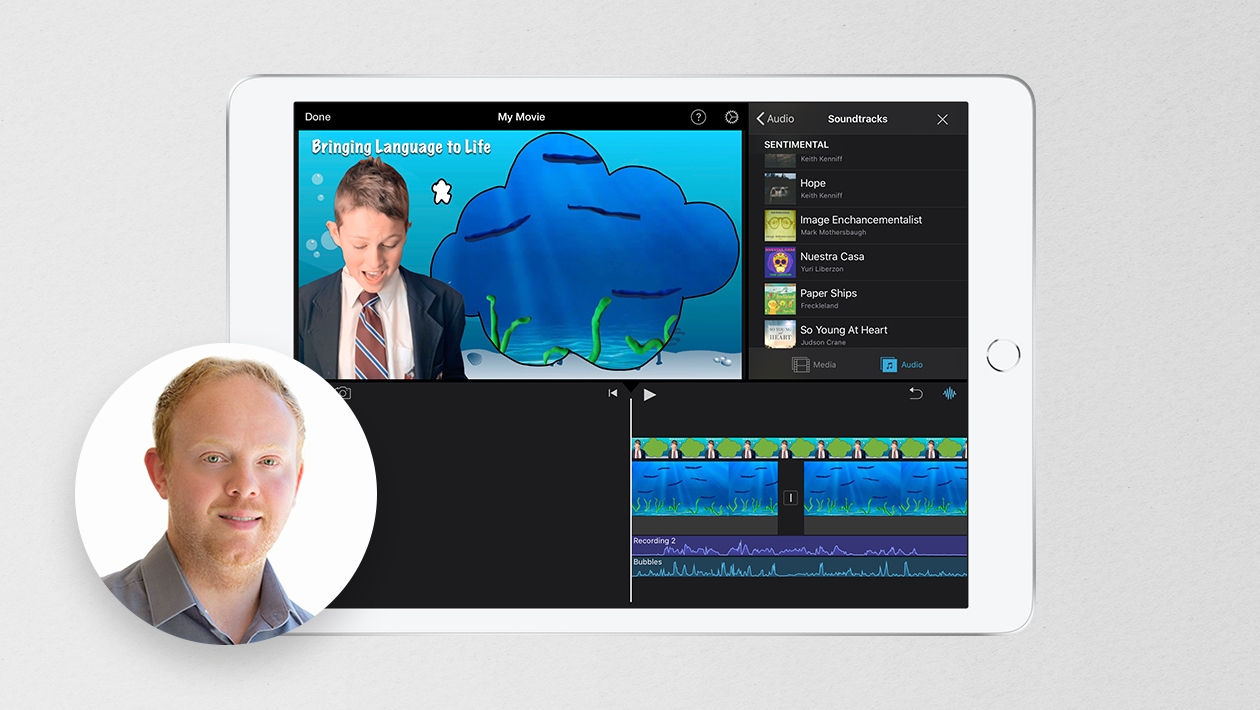
- Drop the Freeform image into the iMovie timeline first, overlay the green screen footage directly on top, and select Green/Blue Screen from the overlay menu.

Replicability & Scalability
The beauty of this project lies in its flexibility. It can easily be scaled up or down depending on your school’s time constraints and resource availability:
- Low-Resource Hack: If a physical green screen is unavailable, students can use the "Picture-in-Picture" or "Cutaway" features in iMovie to showcase their Freeform art alongside their video.
- Subject Swapping: Easily shift the theme from "Kindness" to climate action, historical monologues, or book trailers.
- Community Impact: Showcase the final 1-minute reels on school monitors, during morning announcements, or as the centerpiece of your school’s annual Kindness Summit to inspire other classrooms.








June 06, 2026 . English
This is truly amazing! That workflow simplifies the classroom application!
This action is unavailable while under moderation.
This action is unavailable while under moderation.