

In this lesson, I have design an activity where students use freeform to complete their reading activity. In the freeform template there are instructions, reading text and the template of a mind map. Using the scene function in freeform, I have set a few scenes in order to focus on specific tasks.
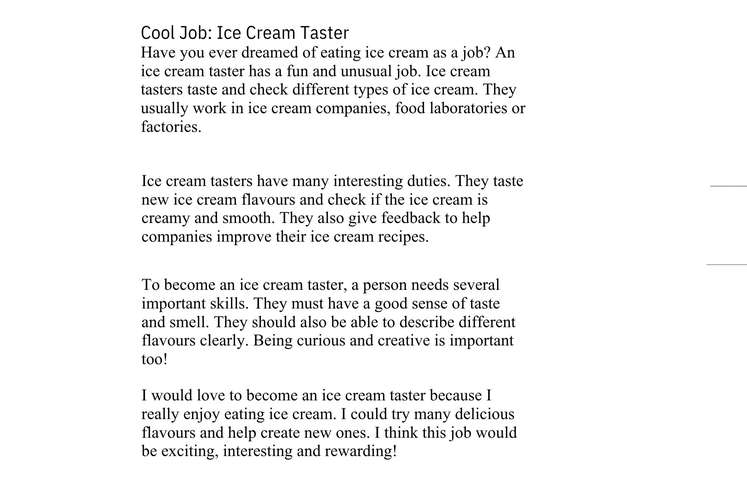
The first scene would be the “Instructions”. After reading the instructions, students would go to “Scene 1” to read the text. Then students would have to fill in the mind map in “Scene 2-5”. Finally students will have to look for a youtube video related to the text and attach it in the designated area in the mind map.
Subject : English Language
Level : Year 6
Theme : World of Knowledge
Topic : Topic 4: Cool Jobs
Focus : 3.2.2 Understand specific information and details of simple longer text.
Objective :
By the end of the lesson, pupils will be able to create a digital mind map about an unusual job using Freeform on their iPads and write a short article of four paragraphs based on the information presented in their mind maps.
Activity:
- Read the article about a cool job in scene 1.
Scene 1
2. Complete the mind map from scene 2 - 5.
Scene 2
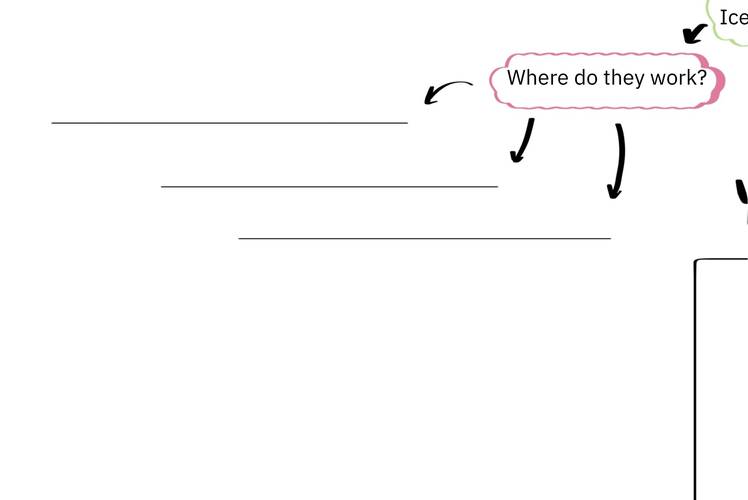
Scene 3
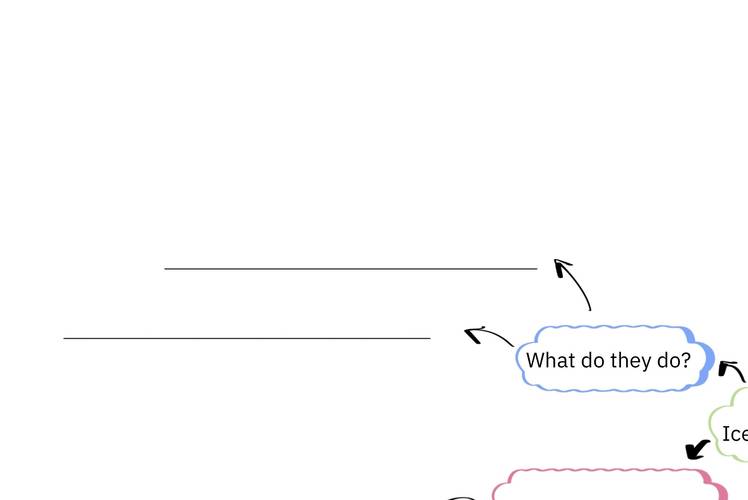
Scene 4
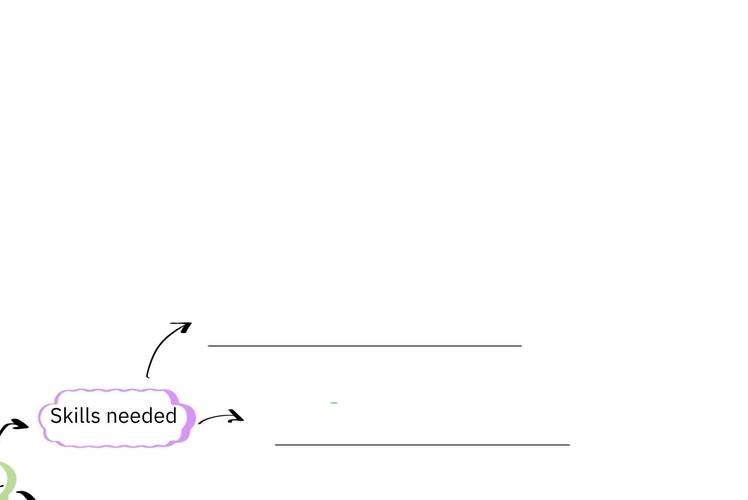
Scene 5
3. Find a youtube video about the cool job and attach the link in scene 6.






Attach up to 5 files which will be available for other members to download.