

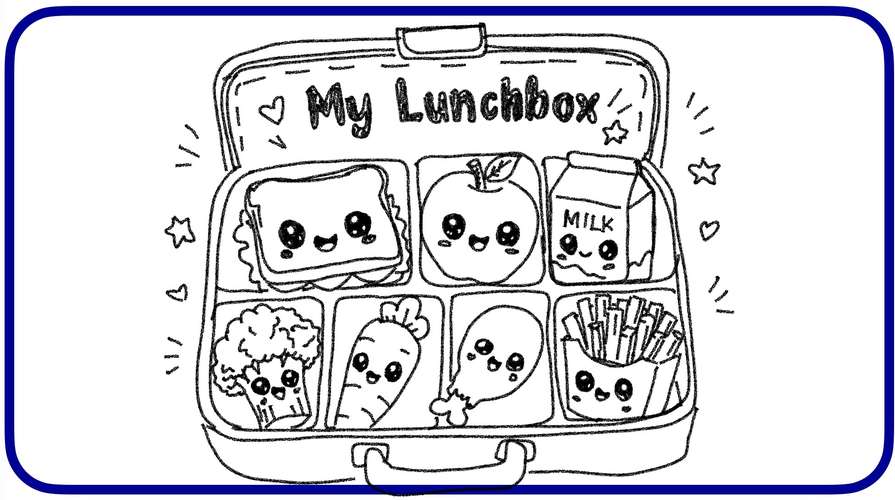
Custom My Lunchbox - Create Your Healthy Lunch!
1. Description
“Custom My Lunchbox” is a fun and interactive English learning activity designed for Year 1 pupils. Through Apple Keynote, pupils explore food vocabulary, learn about healthy eating habits and design their own personalised lunchboxes.
This activity combines language learning, creativity and digital technology to encourage pupils to make healthy food choices while developing their communication and digital skills.
2. Subject: English Language
3. Level: Primary School -Year 1 (Level 1)
4. Theme: World of Self, Family and Friends
5. Topic Unit 4: Lunchtime - Custom My Lunchbox
6. Focus Areas
- Food vocabulary development
- Listening and speaking skills
- Healthy and unhealthy food recognition
- Creativity and critical thinking
- Digital design and visual learning
- Interactive learning using Apple Keynote
7. Cross-Curricular Elements
- Language: Using simple English vocabulary and sentences to describe food.
- ICT: Designing a personalised digital lunchbox using Apple Keynote.
- Creativity and Innovation: Creating unique lunchbox designs using digital tools.
- Values: Practising healthy eating habits and appreciating food.
- Science: Understanding the importance of nutritious food for growth and health.
- Health Education: Encouraging balanced meals and healthy food choices.
8. Learning Objectives
By the end of the lesson, pupils will be able to:
- Identify: Identify at least eight food items correctly using pictures.
- Classify: Classify at least six food items into healthy and unhealthy food categories.
- Create: Design a personalised digital lunchbox containing at least three healthy food items and describe their choices using simple English sentences.
9. Learning Flow
Activity 1: What’s in My Lunchbox? - Explore & Identify
Apple Keynote
- Pupils learn what a lunchbox is and understand its purpose.
- Pupils explore pictures of different food items.
- Pupils identify and name the food.
- Pupils discuss the importance of bringing healthy food to school.
Examples:
- “This is an apple.”
- “I have a sandwich.”
- “I like bananas.”
Activity 2: Healthy or Unhealthy? - Sort & Choose
Apple Keynote
- Pupils explore different types of food.
- Pupils identify healthy and unhealthy food choices.
- Pupils sort food pictures into the correct categories.
- Pupils explain their choices using simple sentences.
Examples:
- “An apple is healthy.”
- “Carrots are healthy.”
- “I like healthy food.”
Activity 3: Custom My Lunchbox - Design & Present
Apple Keynote
- Pupils design their own digital lunchboxes.
- Pupils select their favourite healthy food items.
- Pupils arrange food pictures creatively inside their lunchboxes.
- Pupils personalise their designs using colours, shapes and illustrations.
- Pupils present their lunchboxes to their classmates using simple English sentences.
Examples:
- “This is my lunchbox.”
- “I have rice, eggs and an apple.”
- “My lunch is healthy and yummy!”
Classroom-Based Assessment (PBD)
Assessment is conducted through teacher observation, food vocabulary identification, classification activities, pupils’ digital lunchbox designs and short oral presentations.
10. Conclusion
“Custom My Lunchbox” transforms a simple English vocabulary lesson into an engaging and meaningful digital learning experience.
By integrating Apple Keynote, pupils develop their vocabulary, speaking confidence, creativity and digital literacy while learning the importance of healthy eating habits.
This activity encourages pupils to become creative designers, confident speakers and responsible learners who make healthier food choices.
Little hands, healthy choices, big creativity!
Keep exploring, keep creating, keep learning!
TEACHER FIE






Attach up to 5 files which will be available for other members to download.