

The Power of Digital Storytelling
Stories have always been a powerful way to communicate ideas, spark imagination and make learning meaningful. Digital storytelling takes this experience further by combining illustrations, animation, music and narratives to create engaging multimedia experiences.
In this project, I explored how three Apple native applications – Keynote, GarageBand and Pages – can work together to transform a simple idea into a digital storybook and video. My journey started with hand-drawn illustrations and gradually developed into a multimedia storytelling experience.
1. My Creative Journey
Step 1: Illustrate and Animate with Keynote
I started by hand-drawing, tracing and colouring my own cartoon characters using Keynote. I then explored its animation features to bring the characters to life and develop different scenes for my story.
Bringing my imagination to life through hand-drawn illustrations.
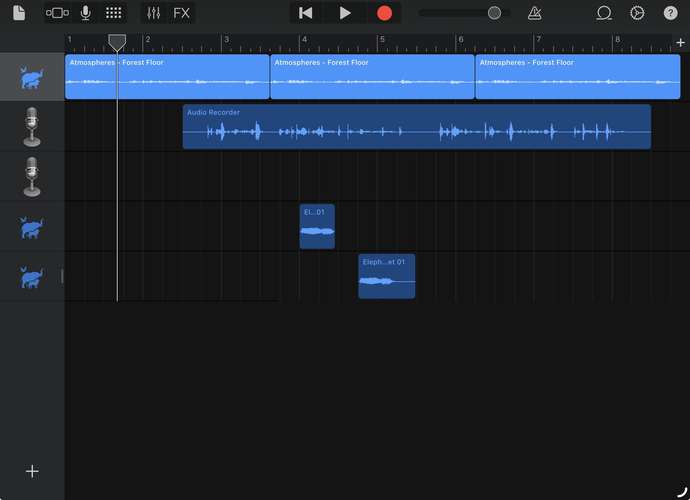
Step 2: Create the Soundscape with GarageBand
Sound plays an important role in storytelling. I used GarageBand to create background music and incorporate sound elements that complemented the storyline. This added another dimension to the experience by connecting visuals with sound and emotions.
Step 3: Publish with Pages
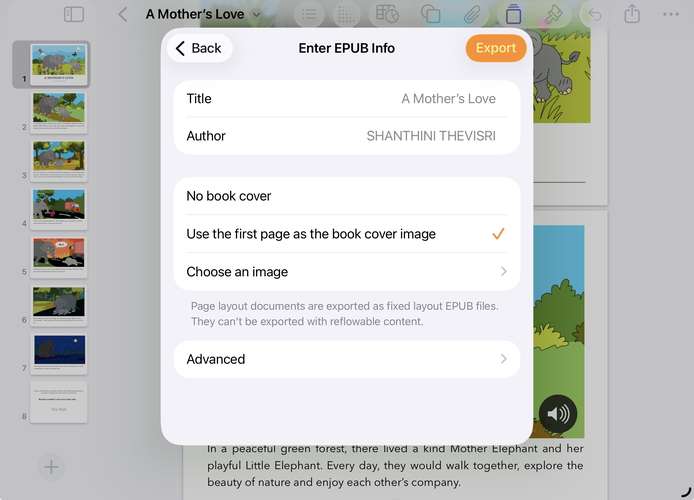
I used Pages to organise the story and illustrations into a digital publication. I then prepared the digital storybook in ePub format.
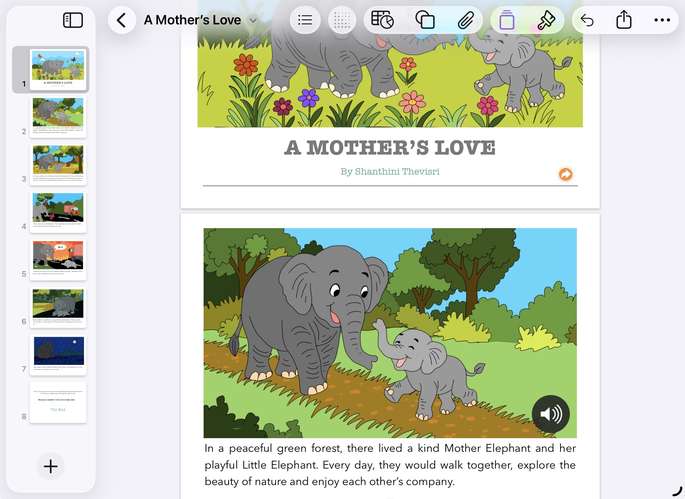
I organised my story and illustrations in Pages and exported the final creation as an ePub.
Classroom Connection: Digital storytelling can encourage creativity, communication and digital literacy. Teachers can adapt this approach for History, English, Science and other subjects.
Reflection : A simple idea can become a meaningful learning experience when creativity meets technology. Let’s inspire our students to become storytellers, not just content consumers!
Have you tried digital storytelling with your students? I’d love to hear your ideas!






Attach up to 5 files which will be available for other members to download.