


iPad in the music classroom: purposeful screen time that builds real skills in band, choir, and orchestra — not passive use.
"Screen time" has a bad reputation, but hand a student an iPad in a rehearsal room and something different happens: the screen stops being a distraction from the music and becomes a mirror held up to it. Students record themselves and hear what the director hears. They tune against a drone instead of guessing. They mark up a score in real time instead of losing the pencil notes between rehearsals. That's not screen time in the sense anyone should worry about — it's practice time, just better instrumented.
Here's what that actually looks like on the ground, broken out the way I'd hand it to any director who asked "okay, but what do I actually install?"
Native Apple Apps — already on every iPad
No new purchase, no new login, no new app to vet. If the district already has iPads, these are free:
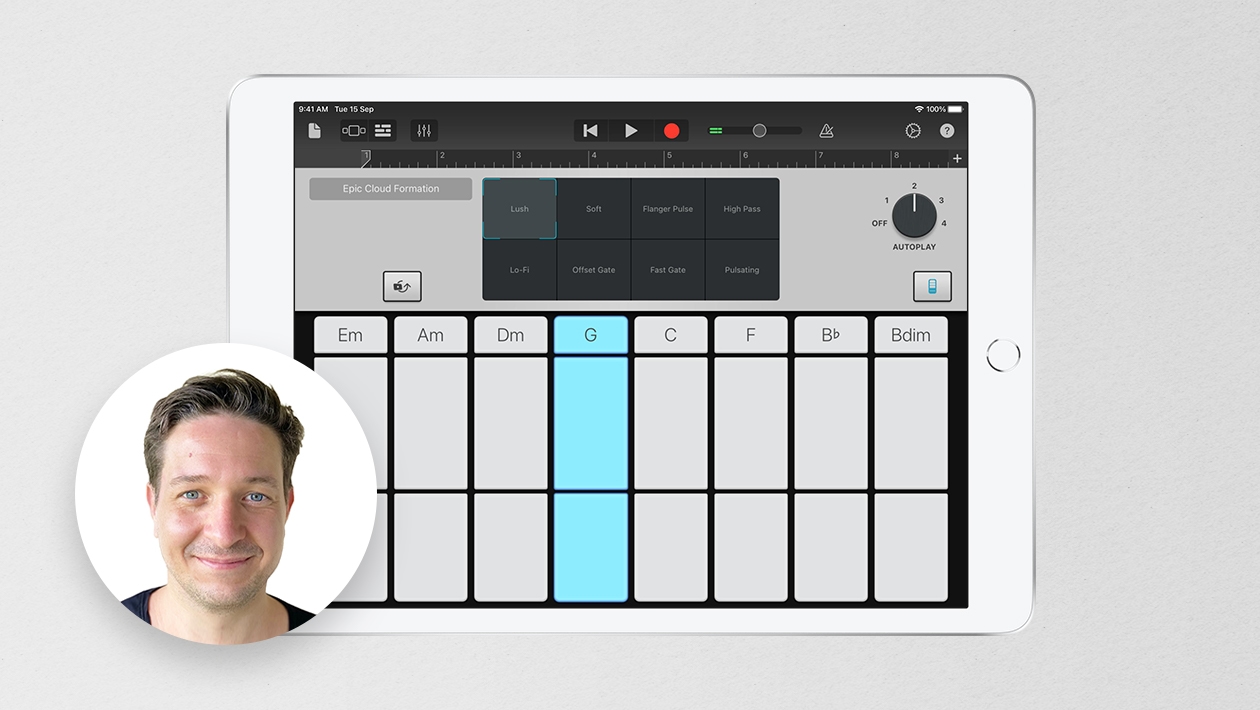
- GarageBand — multitrack sectional recordings, a built-in metronome, and a tone generator for pitch reference
- Voice Memos — the fastest possible record-and-listen-back loop; students submit a take for feedback in seconds
- iMovie — slow-motion technique demonstrations and full performance recordings, reviewed the same day they're made
Third-party and paid apps — worth the line item
These cost something, but they replace equipment and subscriptions that used to cost a lot more:
- TonalEnergy Tuner — tuner, tone generator, and metronome in one, at the stand
- Tenuto — music theory and ear-training exercises students can run on their own
- Acapella — multitrack video recording for virtual ensemble projects
- forScore — a full sheet music library with annotation, replacing the file cabinet
- Notability — live score annotation, so the director's markup travels with the student
- Book Creator — a digital portfolio that documents growth and proficiency over an entire year, not just a single grading period
Worth naming two more in the same category, since directors ask about assessment constantly: SmartMusic (MakeMusic) gives students real-time note and rhythm feedback during independent practice — the closest thing to having a director's ear in every practice room at once.
The part that makes the budget case for you
Ask what any of this replaces without an iPad, and the list gets long fast: a multitrack cassette or digital recorder, a stand-alone metronome, a pitch pipe or tuning fork, a handheld voice recorder, a camcorder wired to a VCR, a filing cabinet of sheet music, a shelf of theory workbooks, and a scrapbook for every student's portfolio. That's not a knock on any of those tools — they worked for decades. It's the point: one device, kept up to date, is doing the job of a supply closet.
That's the argument I'd make to any skeptic, whether they're a fellow director, an administrator, or a school board member weighing the purchase: this isn't screen time competing with music education. It's the infrastructure music education has always needed, finally light enough to fit in a backpack.
#IntentionalTech








July 25, 2026 . English
So many great ways you highlight on how technology can impact music education. I especially like your list of all the things you'd need to purchase without an iPad. Great message!
This action is unavailable while under moderation.
This action is unavailable while under moderation.