Look around the world in Maps.
Take students on a journey without ever leaving the classroom. Use the Look Around feature in Maps to explore places all over the world.

Take students on a journey without ever leaving the classroom. Use the Look Around feature in Maps to explore places all over the world.

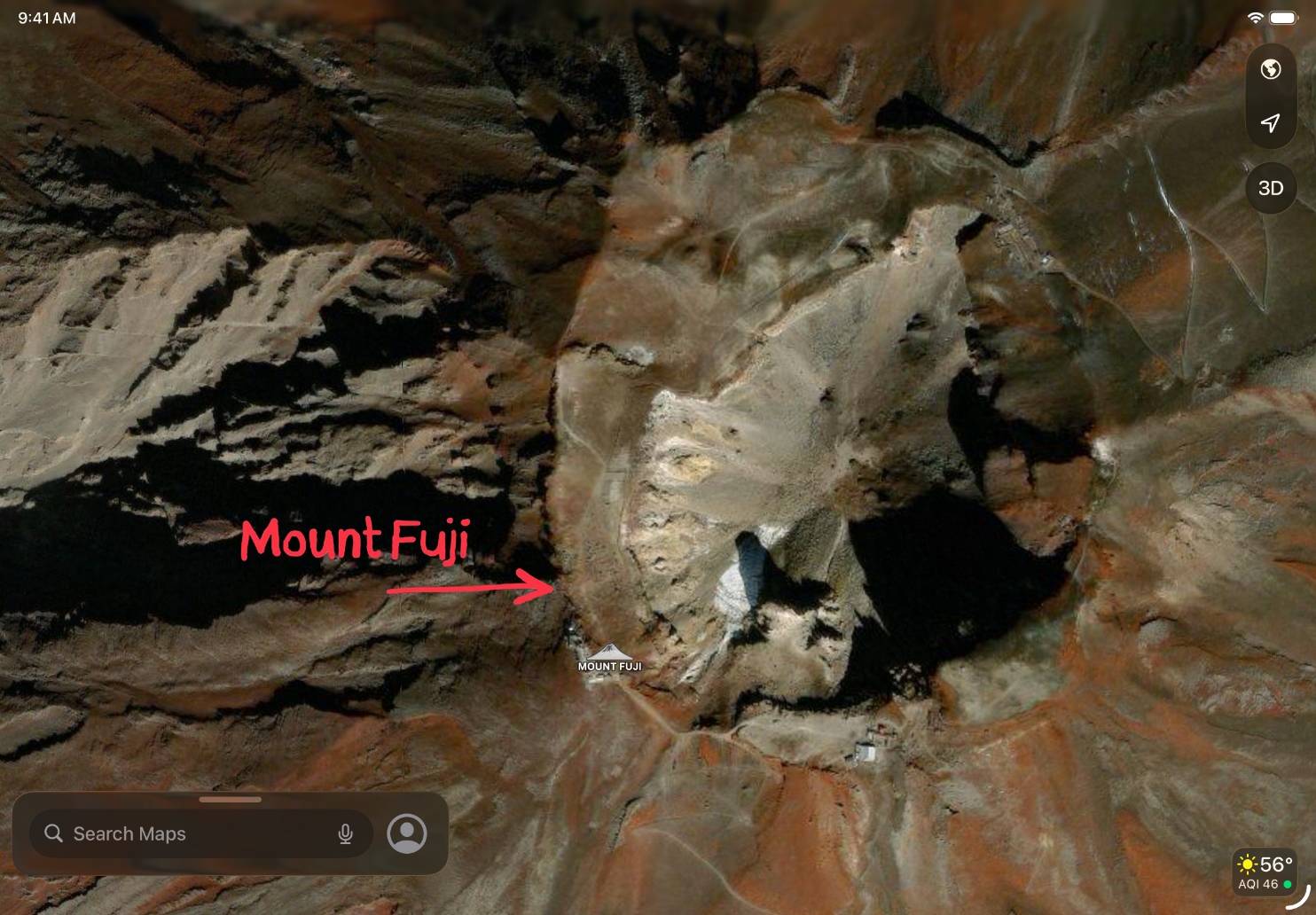
Kick off a STEAM unit by using the Look Around feature in Maps to find bridges in cities around the world. Take screenshots and use Markup to highlight and identify key structural features.
Use this same activity for a geography class, or to better visualize settings in history or literature.
Get ready to try this activity. Learn more about using Maps and marking up screenshots on iPad.

Challenge students to make a tour video by capturing a screen recording while using the Look Around feature in Maps and recording an audio narration.
Discover more lesson ideasShare this page and help others discover the Apple Teacher Program.
A link to this page in the Apple Education Community has been copied to your clipboard.