


What is this learning experience?
In this Grade 6 Art design challenge, students used digital painting to redesign a section of the school garden. By applying their understanding of shapes, space, and color, they proposed ways to make the garden more beautiful, organized, sustainable, and welcoming for the school community.
Students acted as young designers, using creativity and problem-solving to improve a real space within the campus.

The Design Challenge
Students were challenged to answer the question:
"What can we improve? What can make the space more relaxing, organized, eco-friendly, and inviting?"
To guide their thinking, students followed a simple design process:
Step 1: Observe and Imagine

Students analyze the current garden and identify opportunities for improvement.
Student Task
Students visited the garden or observed photographs and reflected on:
- What can be improved?
- What would make the space more relaxing?
- How can the garden become more sustainable?
Step 2: Plan and Sketch
Students:
- Created a "Before" and "After" design
- Planned pathways, seating areas, and plant arrangements
- Used shapes to organize the space
- Incorporated school colors to promote the school’s pride
Step 3: Create the Digital Painting

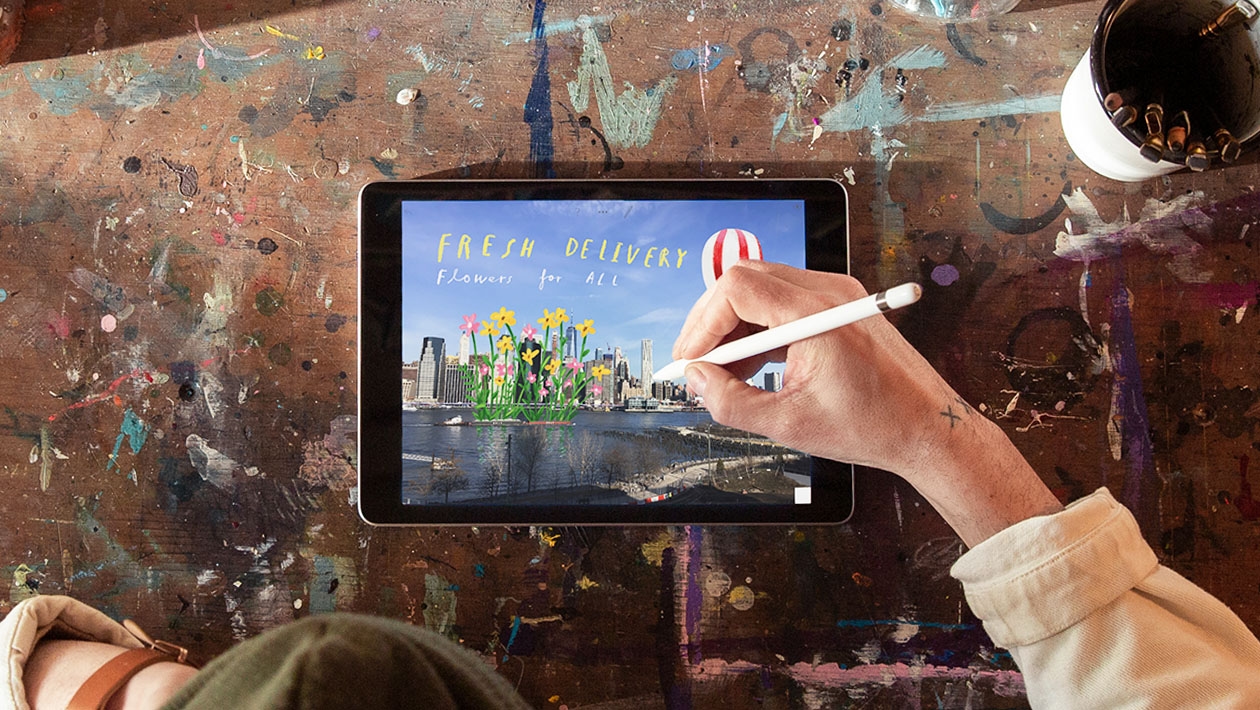
Students translated their sketches into digital artworks using the iPad.
They applied these elements and principles of art to communicate their redesigned vision of the garden.
- Shape
- Space
- Color harmony
- Visual balance
Student Work Showcase


Why This Learning Experience Matters

This task moved beyond creating artwork for display.
Students learned that art can be used as a tool for:
- Problem-solving
- Environmental awareness
- Community improvement
- Design thinking
By working with a real school space, students developed a stronger sense of ownership and responsibility toward their environment.
Reflection

One key takeaway from this experience is that students became active contributors to their environment. Rather than creating art solely for display, they used visual design as a tool for problem-solving and community improvement.
Extending the Learning with Apple Technology
This design challenge can be further enriched using tools such as Keynote and Augmented Reality (AR). Students can use Keynote to create interactive design proposals that showcase their ideas through drawings, annotations, animations, and reflections. They can also bring their redesigns to life through AR by placing their digital creations within the actual garden space, allowing viewers to visualize proposed improvements in a realistic and immersive way.
By integrating these tools, students move beyond creating artwork and become designers, innovators, and problem-solvers who use creativity to address real-world challenges. For educators, this learning experience demonstrates how technology can deepen engagement, amplify student voice, and connect classroom learning to authentic community improvement. Whether redesigning a garden, a classroom, or another shared space, students are empowered to imagine possibilities, communicate ideas, and create meaningful change through art and technology.








Attach up to 5 files which will be available for other members to download.