

Subject: Science (Form 3)
- Learning Area: 3.0 Transportation
- Content standard: Human Circulatory System
- Learning Standard: 3.2.2 Communicate to explain the structure and functions of the heart and blood vessels in the human circulatory system
Why This Matters
Many students find the human circulatory system difficult because they cannot easily visualize how the heart works as a three-dimensional, moving organ. Instead of relying on passive memorization from flat textbook diagrams, this learning experience transforms students from information consumers into multimedia content creators. By leveraging built-in iPad tools, abstract anatomical structures become concrete, dynamic concepts they can directly manipulate and explain.
Learning Objectives
By the end of this lesson, students will be able to:
- Identify the structures of the human heart.
- Explain the functions of each structure.
- Communicate scientific information using multimedia tools.
- Collaborate effectively with peers to create a digital product.
Activity:
Phase 1: Explore
Application: Reality Composer, Camera
- Students begin by examining an interactive 3D heart model using Reality Composer on their iPad.
- Students move around the 3D space.
- Students capture screenshots of these components from multiple angles for later use.

Human’s heart 3D model in Reality Composer
Phase 2: Collaborate
Application: Freeform
- Students work together on a shared real-time collaborative board by using Freeform.
- Students drop their screenshots (human’s heart),label the heart structures (drag and drop activity),add sticky notes for functions and draw digital sketch arrows to trace the oxygenated and deoxygenated blood flow pathways.

Activity in Freeform
Phase 3: Create
Application: Keynote, Freeform, voice recording
- Students transition to Keynote to synthesise their collaborative findings into a polished interactive presentation.
- Students combine their Freeform diagrams, animations, text, and voice recordings.
Animation in Keynote
Phase 4: Share & Reflect
Application: Keynote, Freeform, Pages
- Students conduct a classroom Gallery Walk to present and share their Keynote decks.
- Students evaluate their classmate assignment.
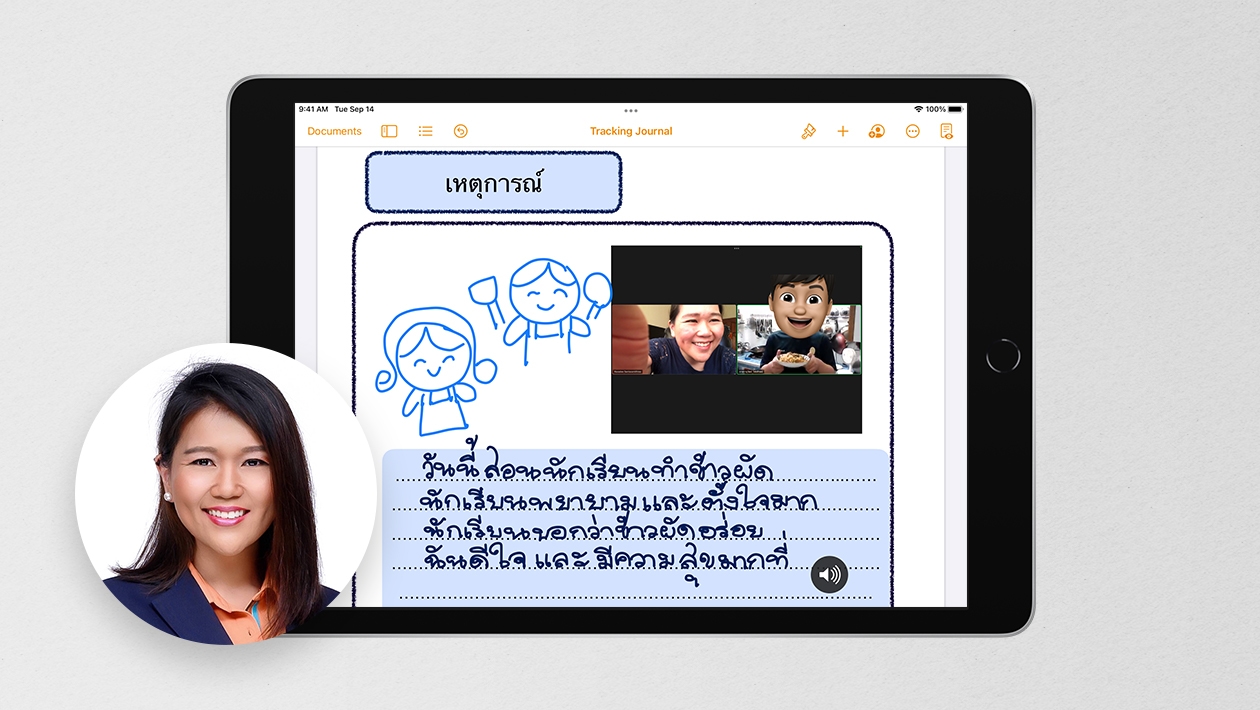
- Students make the reflection for their lesson.
Learning Assessment
- Freeform collaborative board (Drafting & collaborative flow)
- Keynote presentation (Structure alignment and interactivity)
- Recorded video explanation (Scientific accuracy and articulation)
- Reflection journal (Self-assessment)
Assessment Focus: Scientific accuracy, communication skills, creativity, and peer collaboration.







Attach up to 5 files which will be available for other members to download.